people together
Your world.
Perfectly in sync.
Vizora runs the screens in the places you run. Make the content once, schedule when it plays, and every screen — café menu, hotel lobby, shop window — stays exactly on script.
✓ 30-day free trial up to 5 screens no credit card
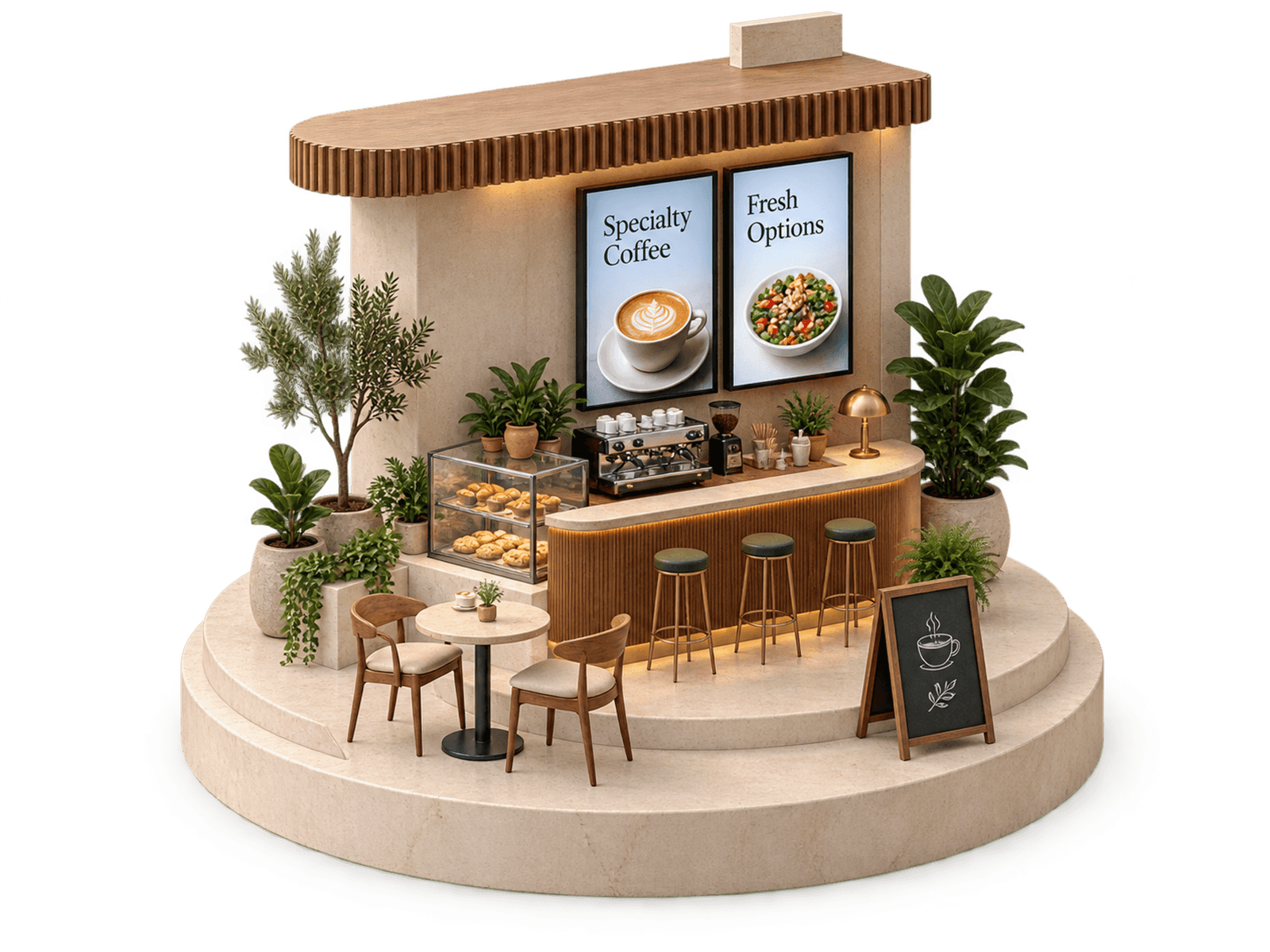
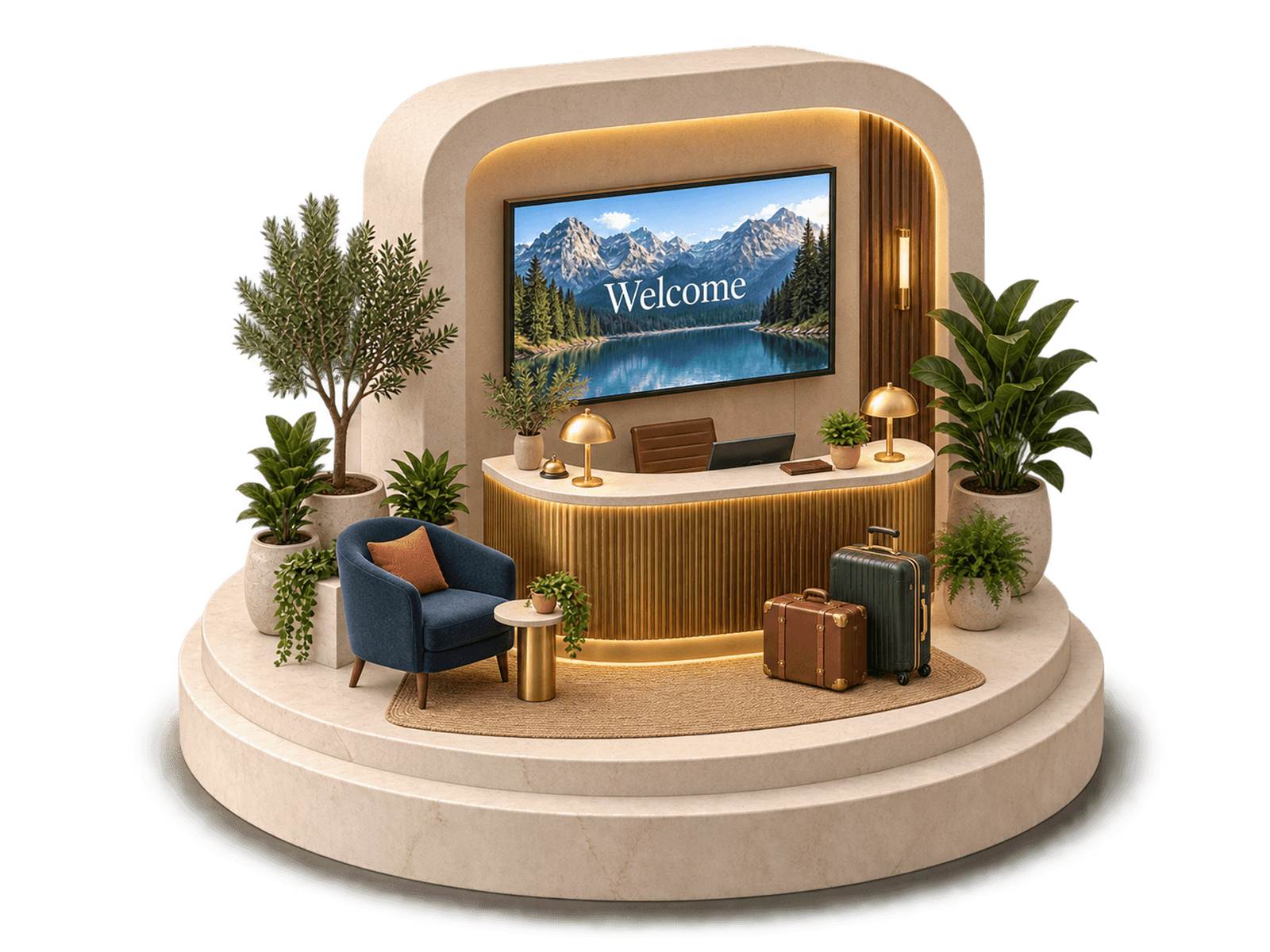

Your locations
Manage your screens and keep every space in sync.
Riverside Café
3 screens online0 offline
Horizon Hotel
3 screens online0 offline
Noble & Co.
3 screens online0 offline
Illustrative workspace — the screens and figures shown are example content.
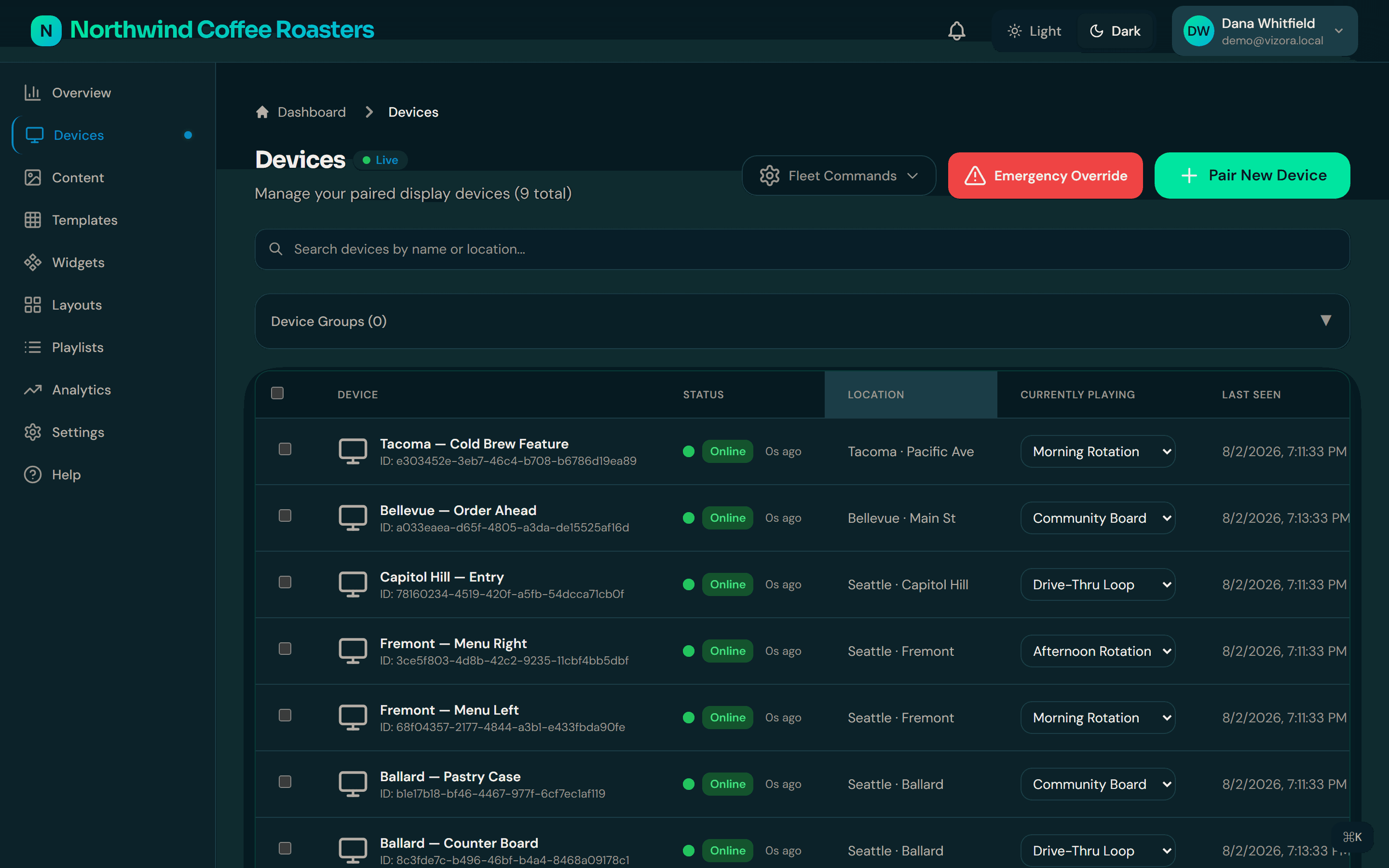
Pick a place. See what its screens are doing.
Open a location and its screens are right there — what each one is playing now, and what is scheduled next. No guesswork, no remote desktop.
New special, new price? Change the menu board once — every location updates while the espresso is still warm.
Illustrative workspace — synthetic example data, not customer telemetry.
Make it once. It plays everywhere you meant.
Four steps between an idea and every screen it belongs on — and nothing on a screen you didn't put there.
- 01
Create
Upload images, video, web pages, or build HTML boards from templates. Every file is checked by its bytes — not its file extension — before it can reach a screen.
- 02
Organize
Drag content into playlists, keep the library tidy with folders and tags, and reuse the same piece across as many places as it belongs.
- 03
Schedule
Daypart by each location’s own local time and preview the next ten runs before you commit — so the breakfast board never plays at dinner.
- 04
Display
Pair a screen with the short code it shows, and it plays what you scheduled while reporting status live. If the network drops, it keeps playing from its cache.
A workspace that makes sense.
One place to see every screen, what it is playing, and when it last checked in — built for the person who runs the place, not for a control room.
Status you can trust
Every screen reports over a live connection, and the dashboard shows when it last checked in — freshness is displayed, never guessed.
Roles that match a team
Admins, managers and viewers each see what they need, and every change lands in an audit log with user, time and IP.
Content that checks in clean
Uploads are validated by their bytes before they can reach a screen, so a mislabelled file never makes it to the shop floor.
The screens you already have
An Android TV app plus desktop players for Windows, macOS and Linux. Pro plans add API access for your own integrations.
Simple, per screen.
Start with a 30-day free trial and pay only for the screens you actually run.
Free trial
Kick the tyres properly
- Up to 5 screens
- 30 days, no credit card
- Content upload & library
- Scheduling
- 1 GB storage
Basic
Up to 50 screens
- Up to 50 screens
- Analytics dashboard
- Advanced scheduling
- Email support
- 25 GB storage
Pro
Up to 100 screens
- Up to 100 screens
- Everything in Basic
- API access
- Priority support
- 100 GB storage
Enterprise
For large estates
- Unlimited screens
- Volume pricing
- 99.9% uptime SLA
- Priority support
Every plan runs over HTTPS with email support. The 99.9% uptime SLA applies to Pro and Enterprise.
Questions, answered.
The short version of how Vizora actually behaves.
Something else on your mind? Write to support
Start with your screens.
Create a workspace, pair your first screen with the code it shows, and put something real on it — the whole first run takes about five minutes.
30-day free trial · up to 5 screens · no credit card required